First, which IBO Player?
Two unrelated companies publish apps with nearly the same name, and guides mix them up constantly:
- IBO Player, from IBO Software (iboplayer.com). Its downloads page offers an Android file, a Windows installer, a macOS disk image for Intel Macs and a Linux package.
- Ibo Player Pro, from Irboetech (iboproapp.com). On Windows it comes through the Microsoft Store. It has no Mac program: on Apple silicon Macs only its iPad app can be installed, which the App Store marks as not verified for macOS.
An activation bought for one does not work in the other, so check which one your TV actually runs before paying for a second device.
How adding a playlist works
In both, the usual route is the same. The app shows a MAC ID and a Device Key. You open the maker’s website on another device, sign in with those two values, paste your M3U link there, and restart the app. It is a sensible design for a television, where typing a long link with a remote is painful.
On a computer you already have a keyboard, and the detour only adds steps. It also means your playlist link, which usually contains your subscription password, is typed into a third party’s website.
What reviewers mention
Store reviews of Ibo Player Pro repeat two points: that the app is not free once the trial ends, which some felt was disclosed late, and that an activation is tied to the device’s identifier, so a hardware change or a reset can lose it.
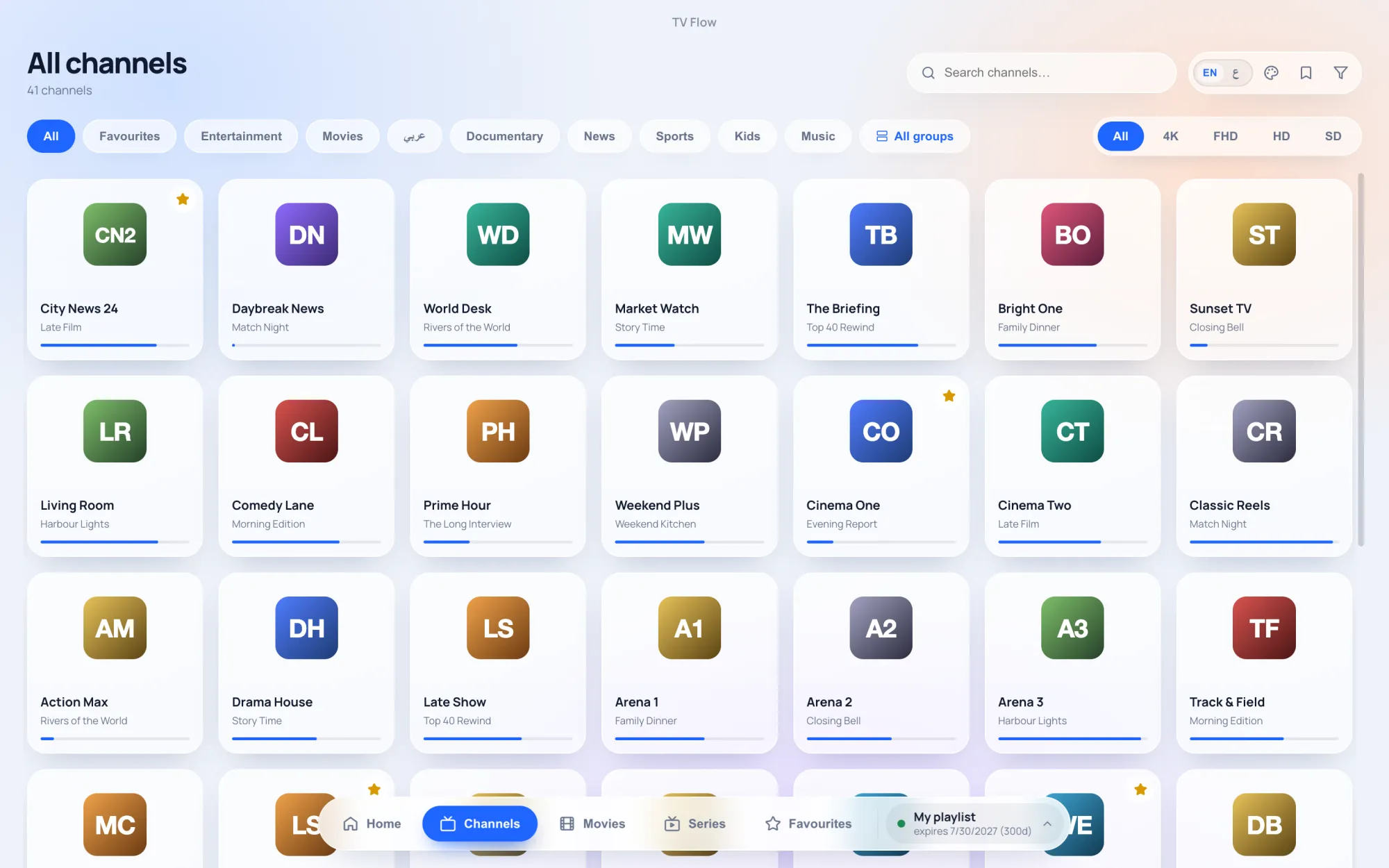
TV Flow and IBO Player, side by side
| TV Flow | IBO Player | |
|---|---|---|
| Runs on | Mac (Intel and Apple silicon, macOS 11 or later) and Windows 10/11, as a desktop program | Smart TVs (Samsung, LG, Android TV, Roku), Apple TV, Android, and downloads for Windows, macOS (Intel) and Linux |
| Price | $19.99 once, for life, after a free three-day trial | A 7-day trial, then a paid licence per device; its site states no refunds |
| One purchase covers | One Mac or Windows computer | One device per activation |
| Playlists it opens | M3U link or file, Xtream Codes login | M3U link, added on the maker’s website |
| TV guide | Now and next on each channel (Xtream logins); no full grid | Only what the provider supplies; its FAQ says it has no guide system of its own |
| Parental lock | PIN lock for groups and collections | Parental control |
| Setting it up | Install, paste the link or login, watch | Find the MAC ID and Device Key, sign in on the website, add the playlist, restart the app |
Where IBO Player is the better choice
On a Samsung or LG television, a Roku or an Apple TV. TV Flow has no TV app. If your household already runs IBO on the TV and you are comfortable with the website routine, using it on the laptop too keeps everything familiar.
Where TV Flow is the better choice
- The playlist goes into the app. Paste the link or type the Xtream login in TV Flow itself. It is stored on your computer.
- Xtream Codes login, with a film and series library by season and episode.
- What is on now and next for each channel, with Xtream logins.
- Apple silicon and Intel Macs, and Windows 10/11.
- A clear price. $19.99 once, shown on the website before you download, after a three-day free trial. If you change computers, support moves the licence.