What MyIPTV Player is
MyIPTV Player is a Windows app by Francis Bijumon, published by Vbfnet Apps on the Microsoft Store. It opens M3U playlists and Xtream Codes logins, and offers a programme guide, catch-up for Xtream accounts, favourites, several playlists, film and series sections, downloads and PIN protection. It is still updated: the Store package was last refreshed in May 2026.
Why people look for an alternative
- Ads, and a yearly fee to remove them. The app is free with advertising, and the add-on that removes it lasts one year. Store reviewers have complained about loud ads when changing channel, and about paying every year rather than once.
- Two playback engines to choose between. It can play through a bundled VLC library or through Windows’ own media player, and reviewers report channels that work with one and not the other.
- No Mac version. If you move to a MacBook, or have one alongside your PC, the app does not come with you.
- No Arabic. The Store lists English, French, German, Italian, Portuguese, Russian and Spanish.
When we checked, it was rated 3.4 out of 5 from 355 ratings on the Microsoft Store.
TV Flow and MyIPTV Player, side by side
| TV Flow | MyIPTV Player | |
|---|---|---|
| Runs on | Mac (Intel and Apple silicon, macOS 11 or later) and Windows 10/11, as a desktop program | Windows 10 and 11 (and Xbox) from the Microsoft Store. No Mac version |
| Price | $19.99 once, for life, after a free three-day trial | Free with ads; an add-on removes ads for one year ($2.69 in the US store) |
| One purchase covers | One Mac or Windows computer | Devices on the same Microsoft account, under the Store’s terms |
| Playlists it opens | M3U link or file, Xtream Codes login | M3U link or file, Xtream Codes login |
| Stalker / MAC portals | No | Not listed |
| Films and series | A library with posters and ratings; series by season and episode | Yes, films and series, with downloads |
| TV guide | Now and next on each channel (Xtream logins); no full grid | Yes |
| Catch-up | No | Yes, with Xtream logins |
| Arabic interface | Complete, right to left | No. Seven European languages |
| Parental lock | PIN lock for groups and collections | PIN protection |
| Ads | None | Yes, unless you pay for the yearly add-on |
Where MyIPTV Player is the better choice
- You want a free player and can live with the ads.
- You rely on the programme guide or on catch-up.
- You want to download films from your subscription, or use it on an Xbox.
Where TV Flow is the better choice
- No ads, and no yearly fee. $19.99 once, after a three-day trial with everything unlocked.
- Windows and Mac. The same app, the same look, on both.
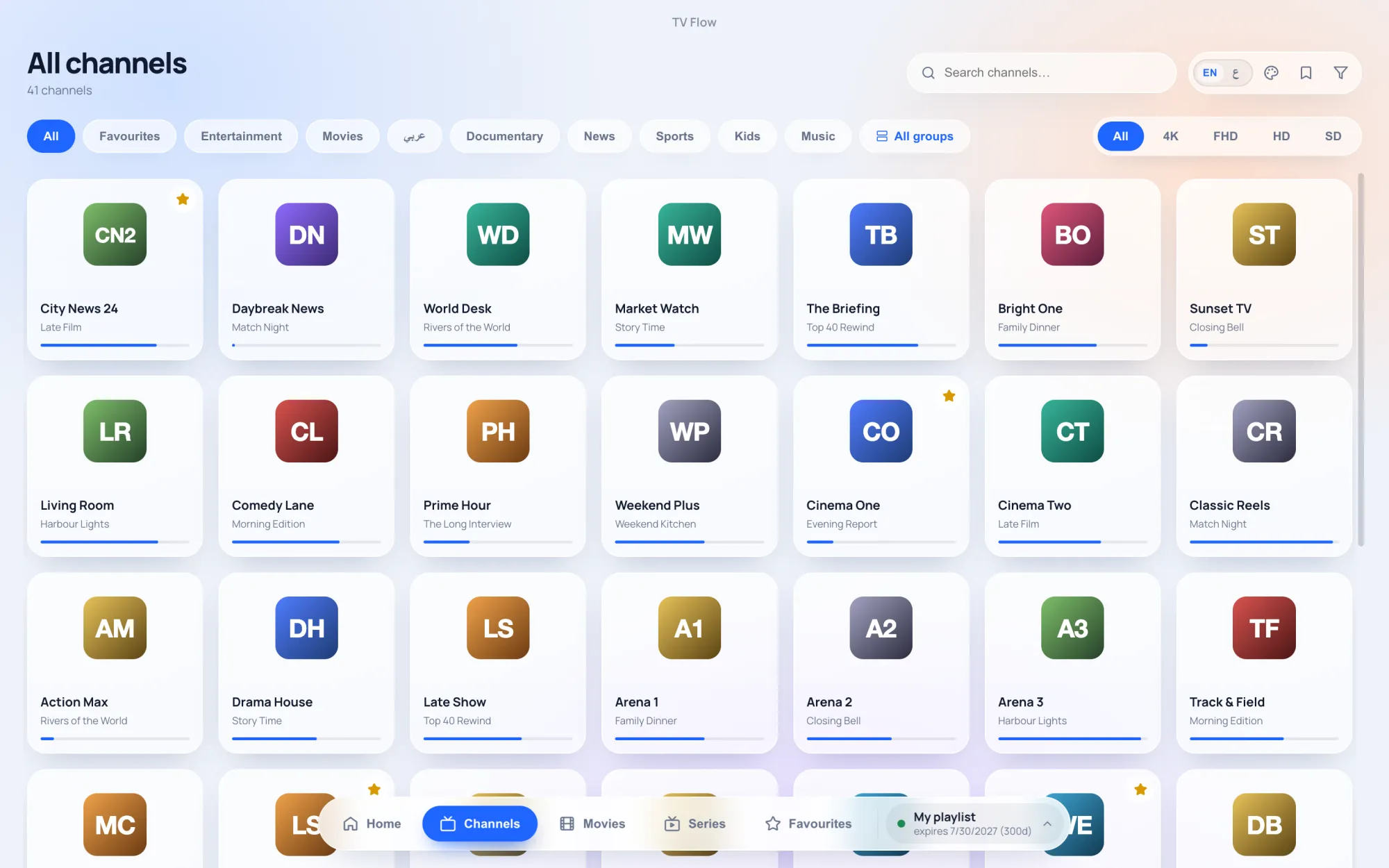
- A current design. Light and dark looks, posters and ratings for films, series by season and episode, a home screen with what you watched last.
- Arabic and English, switched in one click, with a full right-to-left layout.
- One player inside, with three buffering profiles instead of an engine to pick.
One practical note for Windows: TV Flow is downloaded from tvflow.app rather than the Microsoft Store, so Windows shows its usual SmartScreen prompt the first time you run the installer.