How to set up IPTV in Kodi
- Install Kodi from kodi.tv.
- Open Add-ons → Install from repository → Kodi Add-on repository → PVR clients → PVR IPTV Simple Client, and install it.
- In the add-on’s settings, set the location to “Remote path” and paste your M3U link.
- Under the EPG settings, paste the XMLTV guide address your provider gave you.
- Restart Kodi. Your channels appear under TV.
The add-on comes from Kodi’s official repository and is maintained by the Kodi PVR team. Add-ons from elsewhere are a different matter, and we do not recommend them.
The limits you will meet
- No Xtream login. The add-on takes an M3U playlist. If you only have a server, username and password, you must build the link yourself (see M3U and Xtream Codes).
- Films and series are not a library. Kodi’s own film library is for files you own. Entries from a playlist are listed by the add-on under “Recordings”, without seasons.
- Large playlists are slow. Kodi’s forum has many threads about long start-up and slow channel loading with big lists.
- It is a media centre. The full-screen, remote-style interface is at its best on a television. In a window on a laptop it feels heavy.
TV Flow and Kodi, side by side
| TV Flow | Kodi | |
|---|---|---|
| Runs on | Mac (Intel and Apple silicon, macOS 11 or later) and Windows 10/11, as a desktop program | Windows, macOS, Linux, Android, Apple TV, Raspberry Pi and more |
| Price | $19.99 once, for life, after a free three-day trial | Free and open source |
| Playlists it opens | M3U link or file, Xtream Codes login | M3U link or file, with an XMLTV guide address |
| Stalker / MAC portals | No | Through a different add-on |
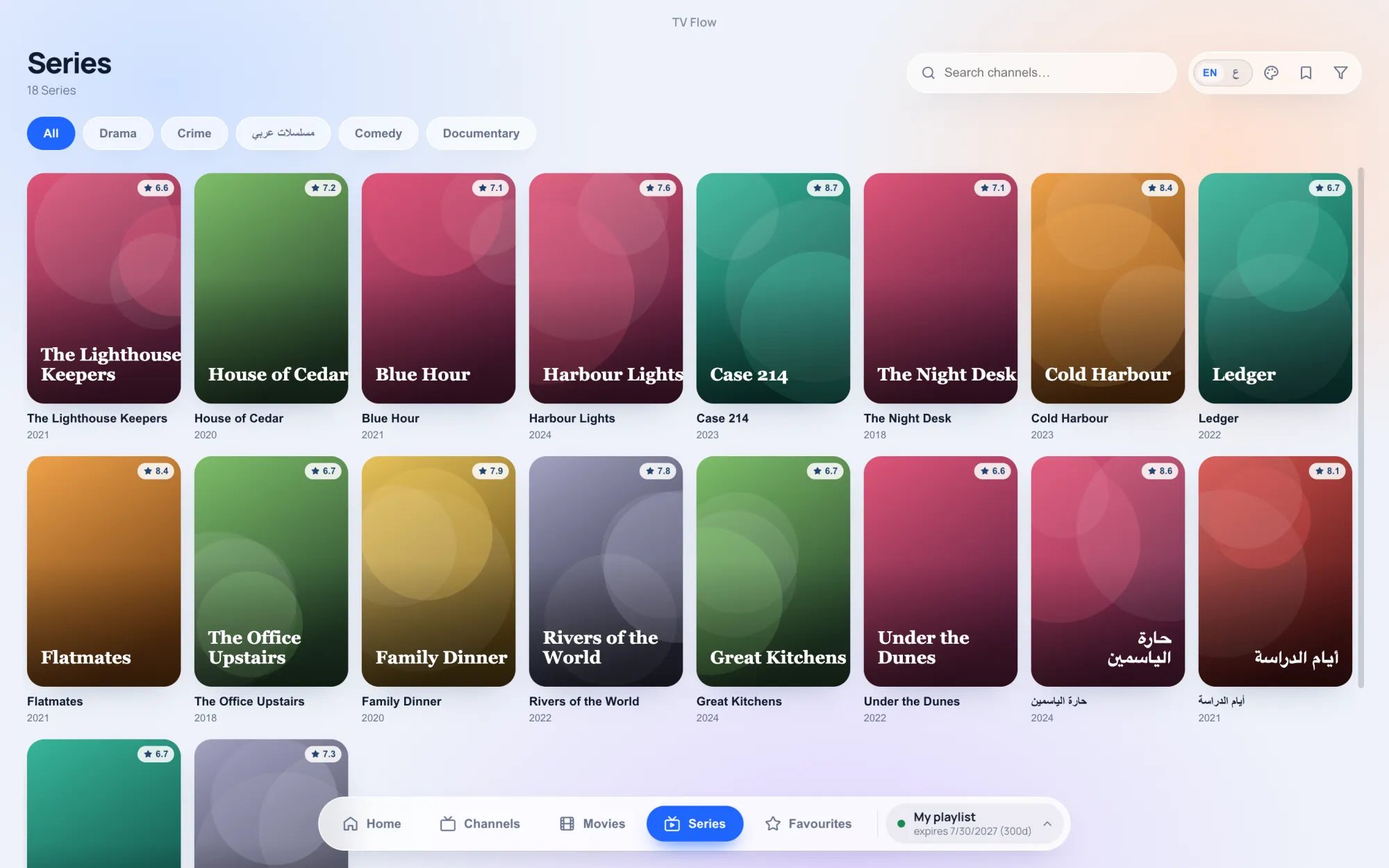
| Films and series | A library with posters and ratings; series by season and episode | Film entries appear under “Recordings” |
| TV guide | Now and next on each channel (Xtream logins); no full grid | Yes, a full guide |
| Catch-up | No | Yes, with timeshift |
| Recording | No | Not in this add-on |
| Ads | None | None |
| Setting it up | Install, paste the link or login, watch | Install Kodi, enable the add-on, enter playlist and guide addresses, restart |
Where Kodi is the better choice
Kodi wins if you want one program for everything: your own film files, music, photos and live TV, on a computer connected to a television, at no cost. Its guide, catch-up and timeshift are well ahead of TV Flow, and it runs on Linux and small devices such as the Raspberry Pi.
Where TV Flow is the better choice
- A minute to set up. Paste an M3U link or type an Xtream login. There are no add-ons to install.
- Films and series as a library, with posters and ratings, and series by season and episode.
- A desktop app. A normal window, mouse and keyboard, instant search across the whole list.
- Arabic or English with a proper right-to-left layout.
TV Flow is for Mac and Windows only and costs $19.99 once, after a three-day free trial.