What an M3U link is
An M3U (or M3U8) playlist is a text file. Each entry is two lines: a line of details beginning with #EXTINF, then the address of the stream. The details can carry a name, a logo (tvg-logo), a group (group-title) and an identifier used to match the channel to a programme guide (tvg-id).
Because it is only a list, every player can read it, and you can keep one as a file on your computer. The cost of that simplicity shows with large subscriptions: one file can hold tens of thousands of entries, live channels and every episode of every series mixed together, and the player has to download and sort the whole thing before it can show you anything.
What an Xtream Codes login is
Xtream Codes is the name of the panel software many providers run, and of the interface (API) it offers to players. Instead of a list you get three things: a server address, a username and a password.
With those, the player asks the server direct questions: which live categories exist, which films are in this category, which seasons and episodes does this series have, what is on this channel now. The answers come back already organised, with posters, plots, ratings and episode numbers where the provider has them.
The difference you will notice
- Films and series. From an Xtream login a player can build a real library: series grouped by season, episodes in order. From an M3U list it has to guess from the names.
- The programme guide. An Xtream server answers "what is on now and next" for a channel. With M3U the guide is a separate XMLTV file that the player must fetch and match by
tvg-id, and the match is often incomplete. - Speed. A login lets the app fetch one category at a time. A big M3U must be read in full on every refresh.
- Portability. M3U wins here: it works in every player, and it is the only choice for a list that is just a file.
How to turn an M3U link into an Xtream login
If your link looks like the one below, it was made by an Xtream Codes panel and already contains the login:
http://example.com:8080/get.php?username=NAME&password=PASS&type=m3u_plus
- Server: everything before
/get.php, herehttp://example.com:8080 - Username: the value after
username= - Password: the value after
password=
Going the other way, build the same address from your three details. Some providers switch the get.php export off, in which case only the login works.
Treat the link like a password, because it contains one. Do not post it in a forum or a screenshot when asking for help.
What TV Flow does with each
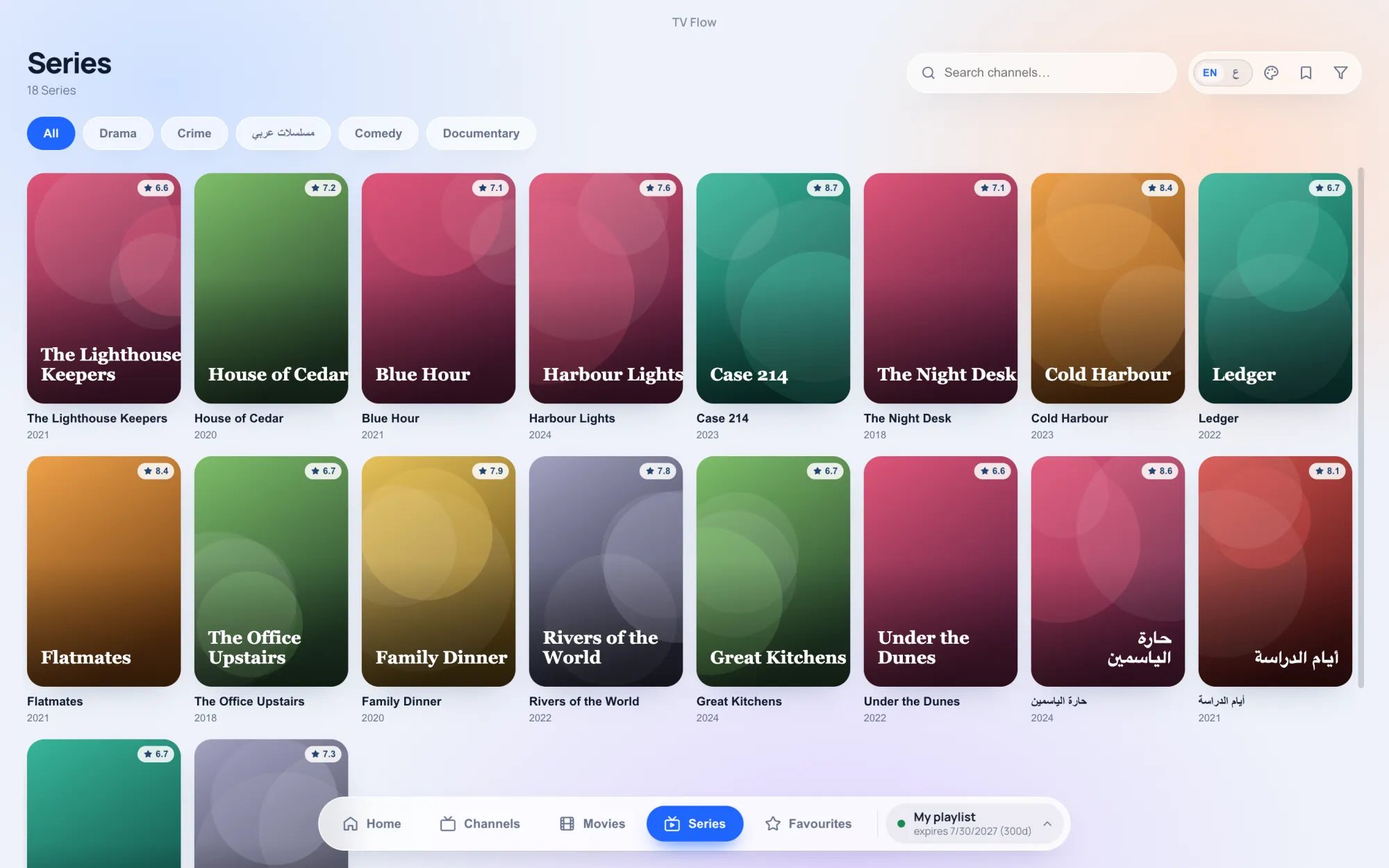
TV Flow, our player for Mac and Windows, takes an M3U link, an M3U file from your computer, or an Xtream Codes login. Given a login, it builds the film and series library by season and episode and shows what is on now and next on each channel. Given a link made by an Xtream panel, it recognises the login inside it, and if the provider refuses the M3U export it switches to the Xtream interface by itself with the same details.
It does not open Stalker or MAC-address portals, which are a third, different way providers hand out access.