What its makers say about computers
The app’s FAQ answers the question directly: “There is no special version dedicated to be used on Windows PC or Mac.” It suggests Windows Subsystem for Android or an emulator. Bear in mind that Microsoft ended support for Windows Subsystem for Android in March 2025, which leaves third-party emulators.
One more thing to know before you search the store: the original Google Play listing no longer opens. The FAQ now links two listings under the names OTT Player and OTT TV, alongside Huawei AppGallery and a direct download.
What OTT Navigator does that TV Flow does not
A great deal. Stalker portals, a full guide, archive and timeshift, picture in picture and several channels at once, user profiles, backups, and a depth of settings that TV Flow does not try to match. If you use those every day, an emulator may be worth its drawbacks, or keep OTT Navigator on a TV box.
TV Flow and OTT Navigator, side by side
| TV Flow | OTT Navigator | |
|---|---|---|
| Runs on | Mac (Intel and Apple silicon, macOS 11 or later) and Windows 10/11, as a desktop program | Android only (phones, tablets, TV boxes) |
| Price | $19.99 once, for life, after a free three-day trial | Free; Premium by subscription or one-time purchase, for 5 devices |
| One purchase covers | One Mac or Windows computer | 5 Android devices as standard |
| Playlists it opens | M3U link or file, Xtream Codes login | M3U, Xtream Codes, Stalker portal and other formats |
| Stalker / MAC portals | No | Yes |
| Films and series | A library with posters and ratings; series by season and episode | Yes, a film and series library |
| TV guide | Now and next on each channel (Xtream logins); no full grid | Yes |
| Catch-up | No | Yes, with timeshift |
| Recording | No | Listed in its change log |
| Arabic interface | Complete, right to left | An Arabic translation exists |
| Parental lock | PIN lock for groups and collections | Parental control and profiles |
| Setting it up | Install, paste the link or login, watch | On a computer: Android emulation, by the makers’ own advice |
What TV Flow offers on a computer
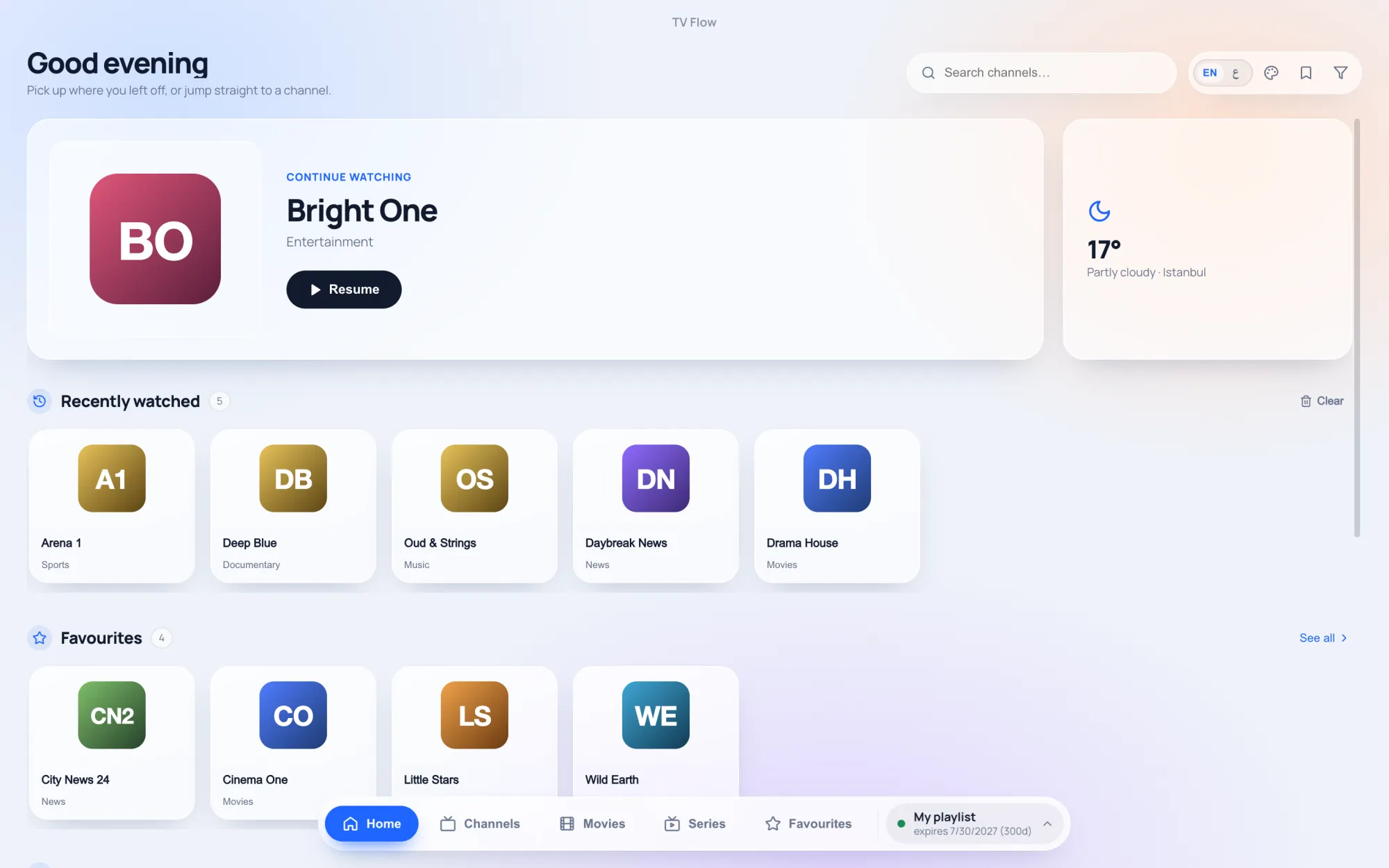
- A native program for Windows 10/11 and macOS. Nothing to emulate.
- Nothing to learn. Add your M3U link or Xtream login and the app arranges channels, films and series itself.
- A calm design, light or dark, in Arabic or English.
- Sensible defaults for live streams: three buffering profiles, and dead channels hidden for you.
It costs $19.99 once for one computer, after a free three-day trial. Reviewers of OTT Navigator on Google Play mention that its menus take effort to learn; TV Flow is the opposite trade, simplicity over reach.