Is there an official Televizo for Windows or Mac?
No. Televizo’s own website, televizo.net, lists Google Play, Huawei AppGallery and a direct Android download, and nothing for Windows, macOS or iPhone. The app is developed by Andrey Menscikov in Latvia and is still updated.
Be careful with similarly named sites. Pages offering a Windows installer for Televizo, or bundling it with “free channels”, are not the developer’s.
What the emulator route involves
You can install an Android emulator on a PC and Televizo inside it. It works, with the costs any emulator brings: a second system using memory and battery, an interface designed for touch or a remote, and nobody to ask when an update breaks the combination. Premium is tied to a Televizo account, so the emulator counts as one of your five devices.
TV Flow and Televizo, side by side
| TV Flow | Televizo | |
|---|---|---|
| Runs on | Mac (Intel and Apple silicon, macOS 11 or later) and Windows 10/11, as a desktop program | Android phones, tablets and TVs only |
| Price | $19.99 once, for life, after a free three-day trial | Free with ads; Premium is a one-time purchase for up to 5 devices |
| One purchase covers | One Mac or Windows computer | Up to 5 Android devices on one Televizo account |
| Films and series | A library with posters and ratings; series by season and episode | Not stated on its official pages |
| TV guide | Now and next on each channel (Xtream logins); no full grid | Yes |
| Catch-up | No | Yes |
| Parental lock | PIN lock for groups and collections | Parental control, in Premium |
| Ads | None | Yes, in the free version |
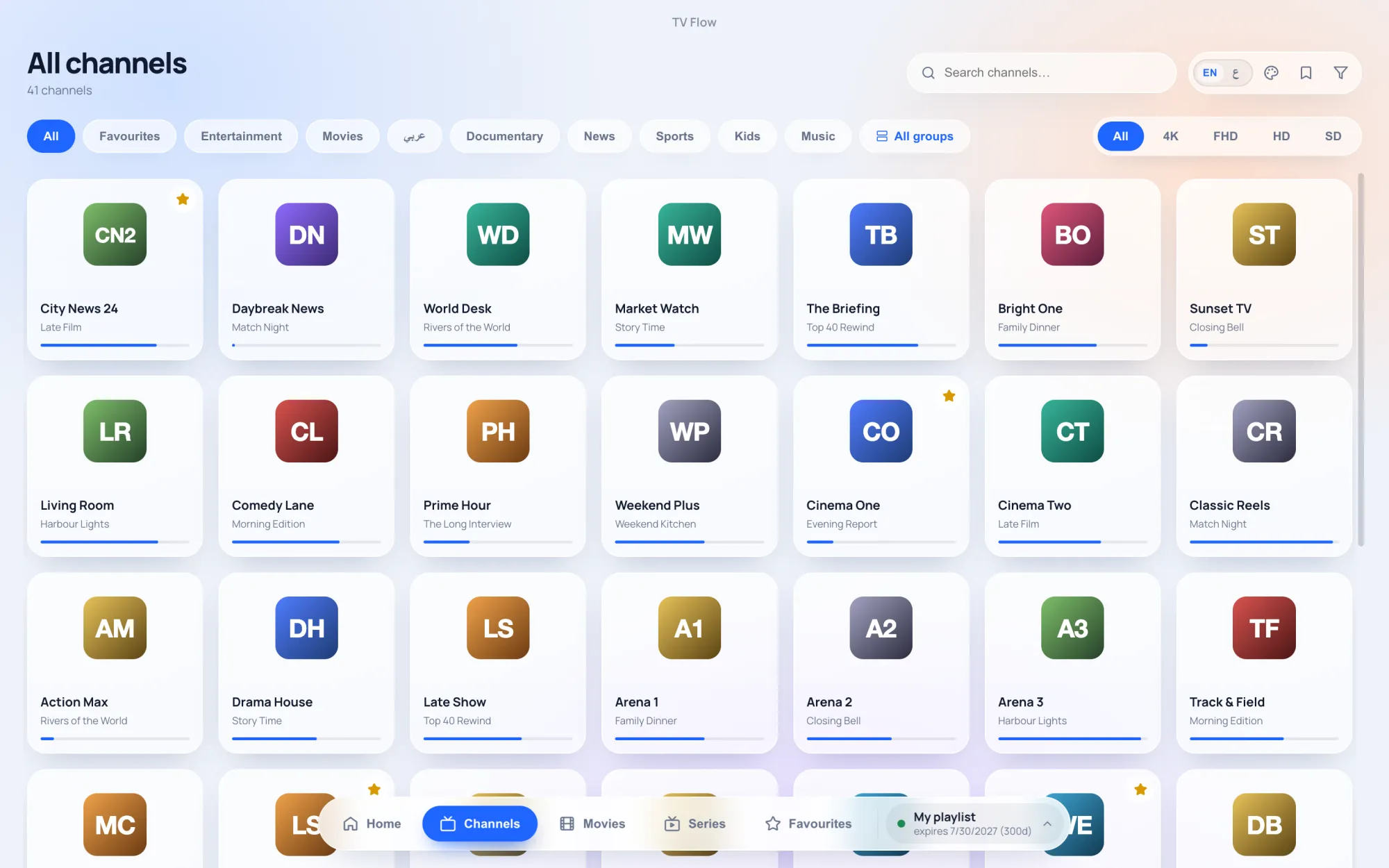
| Setting it up | Install, paste the link or login, watch | On a computer: an Android emulator first, then the app |
Where Televizo is the better choice
- On an Android phone or TV box, where TV Flow does not run.
- If you want a free player and accept ads.
- If you use catch-up or Chromecast, both of which Televizo lists and TV Flow lacks.
What TV Flow gives you on a computer
- A real program for Windows and Mac. No emulator, no Android account.
- Made for mouse and keyboard, with instant search, groups in a sidebar, favourites and your own collections.
- Films and series as a library with an Xtream login: posters, ratings, seasons and episodes.
- No ads. $19.99 once, after a free three-day trial.
- Arabic or English, right to left throughout.
Keep Televizo on the phone and use TV Flow on the laptop: both sign in with the same playlist details.